Hotspot Network Design
Everything you need to deploy a profitable hotspot business — equipment, coverage planning, cost calculator, and trusted vendors & installers.
💡 Tip: Offer caretaker KES 1,000/month for troubleshooting. Saves trips.
📡 Open Space
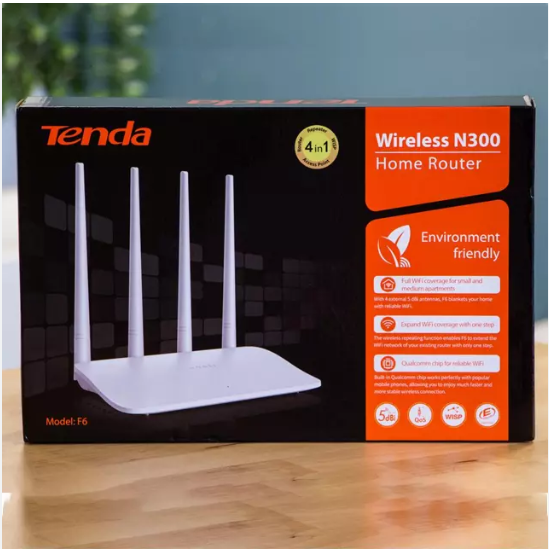
Each Tenda covers 15m radius. For 45m = 3 Tendas.
🏢 Indoor
Walls kill Wi-Fi. Place Tenda every 7 metres.
🏗️ Multi-Storey
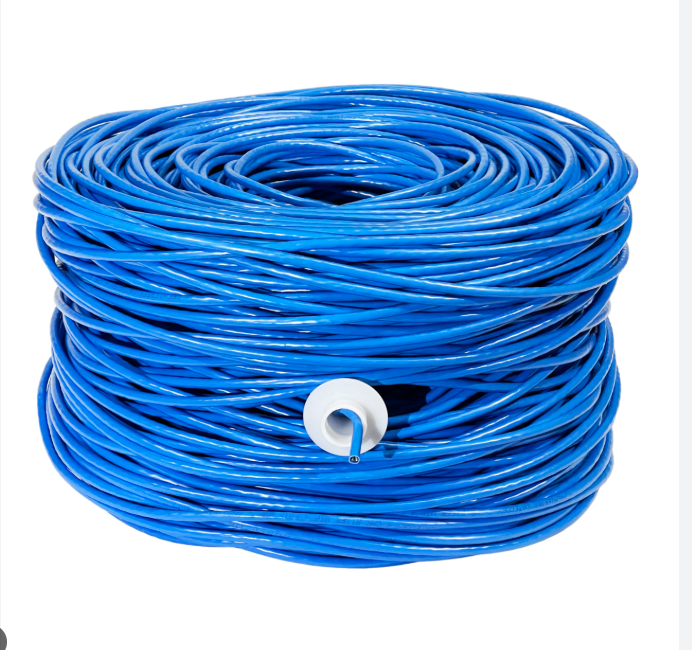
Each floor needs its own Tendas. Run separate ethernet.
📐 Expansion
Add more Tendas following spacing rules.
Loading...
📸 Upload a clear photo of your shop or products display.
🛡️ Safety Tips for Hiring Installers
⚠️ Never pay money upfront — only pay after the work is completed and tested.
📍 Choose an installer nearest to you — saves transport costs and makes follow-up easier.
📋 Plan your network first — use the calculator above to know exactly what you need.
🛒 Buy devices independently from vendors above — don't let the installer buy for you. Check prices yourself.
Loading...
📸 Upload photos showing you doing actual installation work — crimping cables, configuring MikroTik, mounting access points, etc. At least 1 photo is required.
Pending applications (all types)
Loading...
Start here if you've never touched a MikroTik before. Learn how to download Winbox, log in for the first time, give your MikroTik internet, and basic troubleshooting when things don't work.
🕒 Timestamps — Jump to any section:
Pro Tip: Watch this video before buying equipment. If Winbox won't connect or you can't ping Google, the troubleshooting sections at 4:42 and 8:50 will save you hours. Subscribe to FreeISP on YouTube for more tutorials.
Stage 1 — Starter
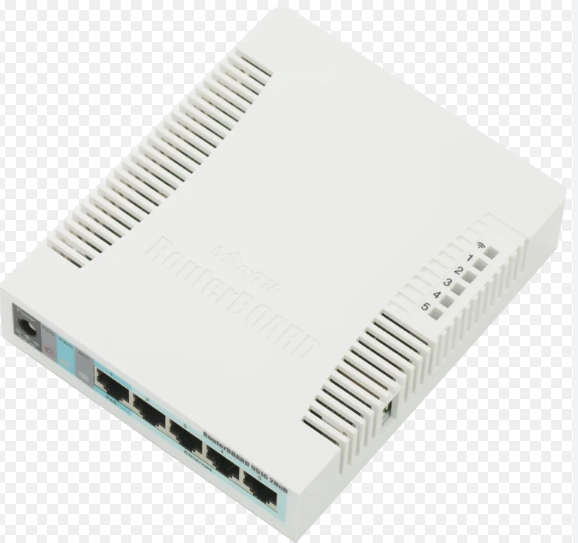
MikroTik RB951 + Tenda APs. Simple, cheap, gets you earning.
Stage 2 — Intermediate
Upgrade to Ubiquiti/TP-Link EAP. Add managed switch.
Stage 3 — Advanced
Outdoor APs, sector antennas. Upgrade MikroTik at 50-70 users.
Stage 4 — Full ISP
Multiple locations, fibre, PPPoE, servers, M-Pesa billing, support team.